
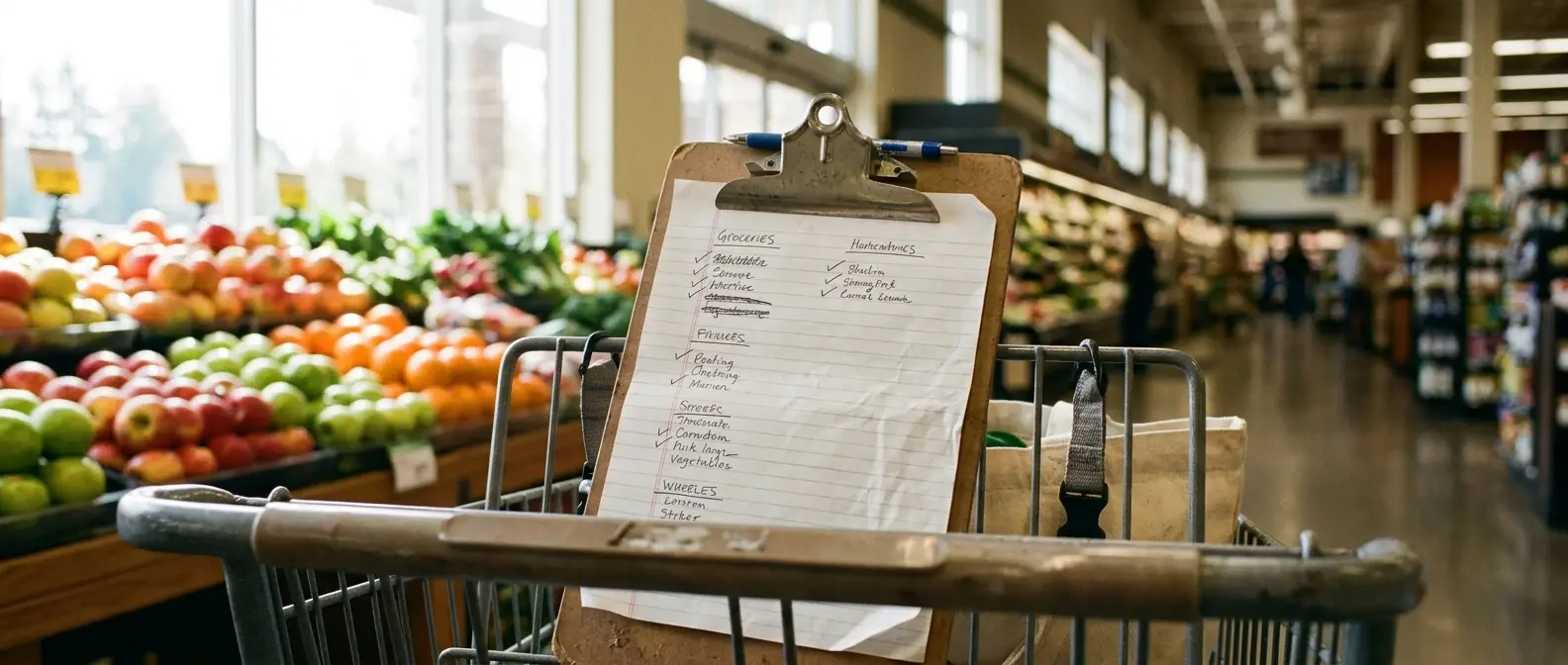
If you’ve ever finished a grocery trip and then walked back across the store for the one thing you missed, the list probably had everything on it. The problem was the order. A list written in the sequence you thought of items, or the sequence the recipes appear in your meal plan, sends you from produce to the dairy case, back to produce for the lemon, then to the far wall for chicken.
Stores are laid out in a fixed path, and your list can match it. That is how to organize your grocery list so one trip is one loop: sort items by the order you walk your own store, not by recipe and not by the order you thought of them. The setup takes one store walk and about twenty minutes, and after that it costs you almost nothing each week.
Why Your List Is Not the Problem, the Order Is
A list written by recipe makes sense while you are planning. Monday’s tacos need tortillas, ground turkey, cheese and salsa. Tuesday’s pasta needs noodles, sauce, spinach and parmesan. But in the store, those items sit in different departments, and a recipe-ordered list makes you cross the same sections several times.
A list written in the order of your thoughts has the same problem. You add milk when you notice the carton is empty, then bread, then something for lunches, and the sequence has no relation to where anything is.
The fix is to stop treating the list as a record of what you need and start treating it as a route. Each line should sit next to the line before it in the real store. When that is true, you only pass each section once, you spend less time scanning for the next item, and you are far less likely to leave something behind because the next thing on the list is always the next thing on the shelf.
This works because the order of a store is stable. Departments rarely move, so a route you write down once stays useful for a long time. If the store does a reset, you adjust a category or two instead of starting over.
Walk Your Store Once and Write Down the Route
Do this walk once, ideally at a time when the store is quiet, and bring a pen and a blank sheet or your phone’s notes app. You are not shopping on this trip, so you can move at a normal pace and look at the signs.
Start at the entrance and walk the path you normally take. Write each department down in the order you reach it. A typical walk might produce a sequence like produce, bakery, deli, meat, then the center aisles, then dairy, then frozen, but yours may differ, and that is the point. Use your own store’s order, not the one in this example.
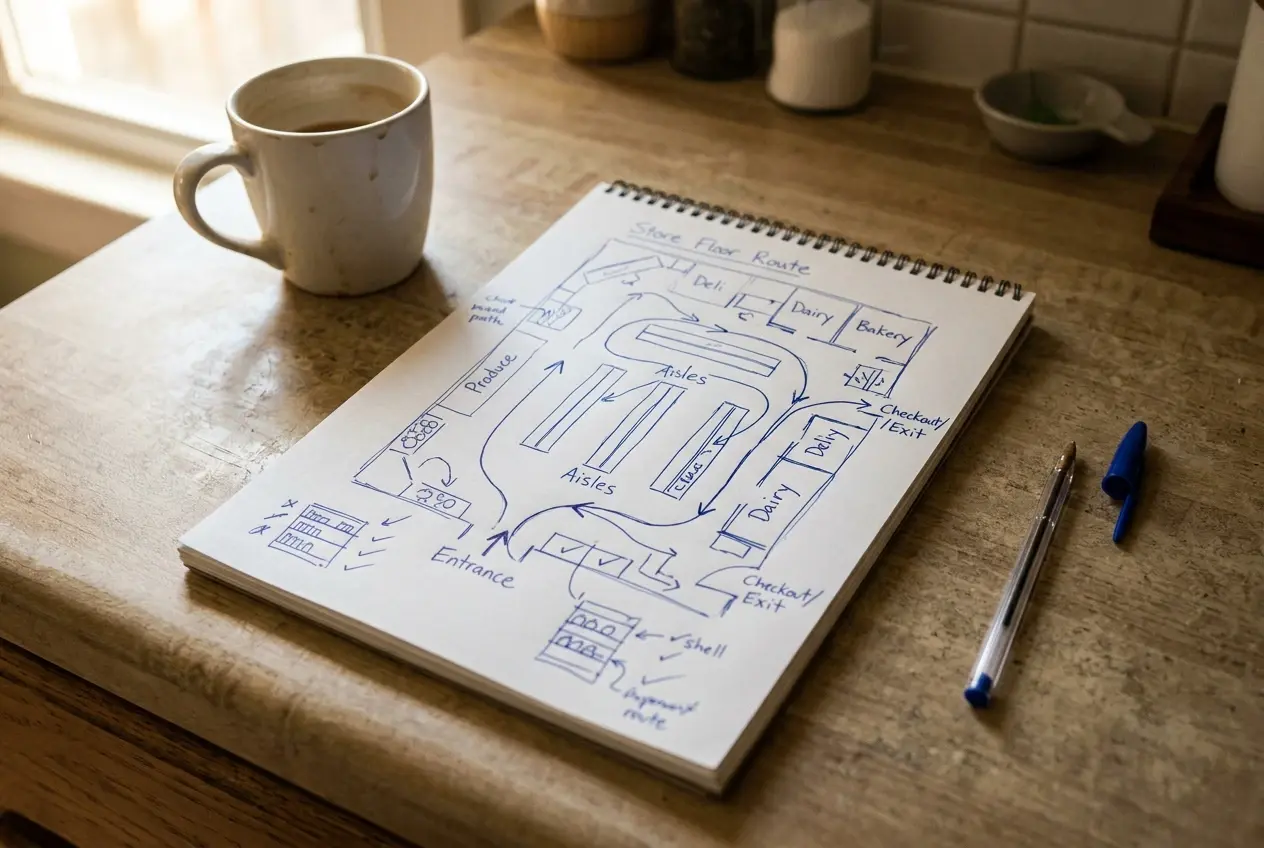
For the center aisles, note the aisle numbers or the signs overhead and what each one holds. Pasta and canned tomatoes might share an aisle, cereal and snacks might share another, and baking supplies might sit near the oils. Write these as short groups, such as “Aisle 4: pasta, sauce, canned beans.”
A few things to record while you are there:
- Where the entrance and checkout are, since some people start in the back and finish at the front.
- Which items live in an unexpected spot, such as eggs next to the deli or tortillas in the international aisle.
- Where household items and pharmacy basics sit, so they get their own place in the route.
- Which end of the store you naturally finish in, since that is where the last category should go.
When you are done, copy the sequence onto a clean page. This is your route, and everything else in this article builds on it.
Pick 8 to 10 categories that match how you actually shop
Your route probably contains more departments than you need on a list. Collapse it into 8 to 10 categories, each one a stretch of the store you walk through in one go. Fewer than eight and the categories get too broad to be useful. More than ten and the list becomes a form you have to fill out.
Here is a sample set to adapt to your own order:
- Produce
- Bakery and bread
- Deli
- Meat and seafood
- Pasta, canned goods and dry goods
- Breakfast, snacks and baking
- Dairy and eggs
- Frozen
- Household and personal care
- Staples check (covered below)
Combine or split to fit how your family eats. A household that buys a lot of cheese might want a separate deli and cheese category, while a family that rarely uses the bakery can fold it into dry goods. If the store has a natural dead zone you never visit, such as the floral department, leave it off.
Write the categories in route order and keep them in that order permanently. The goal is that you never have to decide where an item goes. Once the categories exist, each new item has one obvious home.
Turn Your Weekly Meal Plan Into a Sorted List in 5 Minutes
With the categories in place, the weekly routine is short. Do it right after you finish your meal plan, while the recipes are still in front of you.
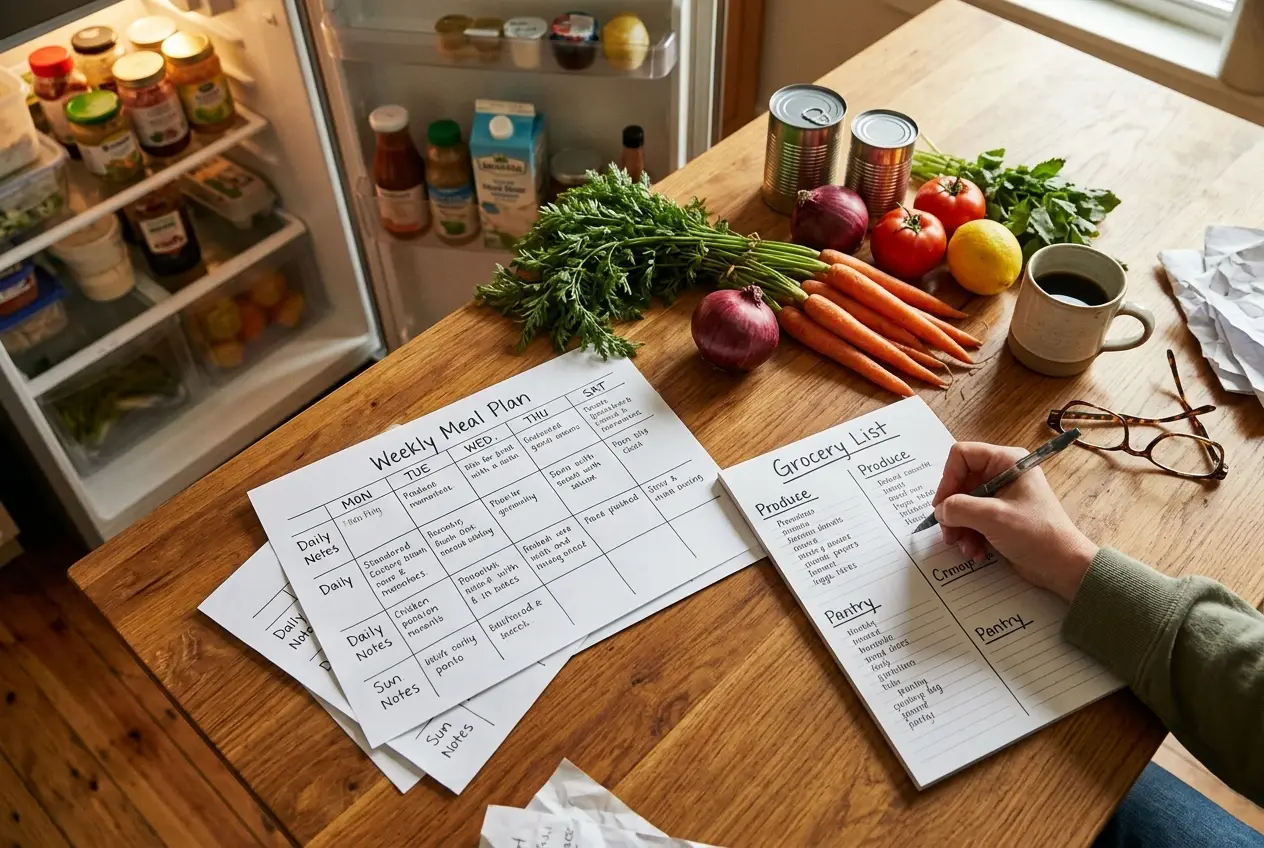
- Check what you already have. Look in the fridge, freezer and pantry before writing anything. Cross off ingredients you have enough of.
- Go through each recipe once. Take the ingredients that remain and write each one under its category on your sheet. Do not write a running list first and sort later, since that doubles the work.
- Merge duplicates as you go. If two meals use onions, write “onions” once with the count, such as “onions x3.”
- Add non-meal items. Lunchbox items, snacks, breakfast food and anything for the household go under their categories too.
- Read it top to bottom once. This is a final check that nothing is in the wrong section.
Writing directly into categories is the habit that makes the five minutes possible. When an ingredient goes straight to its place, there is no separate step of reorganizing a messy list at the end.
If your meal plan is not yet a weekly habit, the complete meal planning system for busy moms walks through how to build one, and this article picks up from the point where it ends.
Add a Staples Section So You Stop Forgetting the Basics
Most forgotten items are not in any recipe. They are things like eggs, butter, olive oil, rice, garlic, or a bag of frozen vegetables, which you only notice are gone when you need them. A fixed staples section catches these.
Make a short list of the items your household uses regularly, and keep it as a checklist at the bottom of your sheet or in a margin. Before you leave for the store, scan it and mark anything that is low. Those items then go under their normal categories on the main list.
If you are not sure what belongs on this list, this list of healthy pantry staples for busy family meals is a useful place to start. Pick the ones your family actually eats and ignore the rest.
Keep the staples list to what you restock often. A long one becomes something you skip scanning, and a short one is something you can read in ten seconds.
Handle the Curveballs: Kids in Tow, Pickup Orders and a Second Store
A sorted list works best when the trip goes as planned, and with children it often does not. A few adjustments keep the route usable anyway.
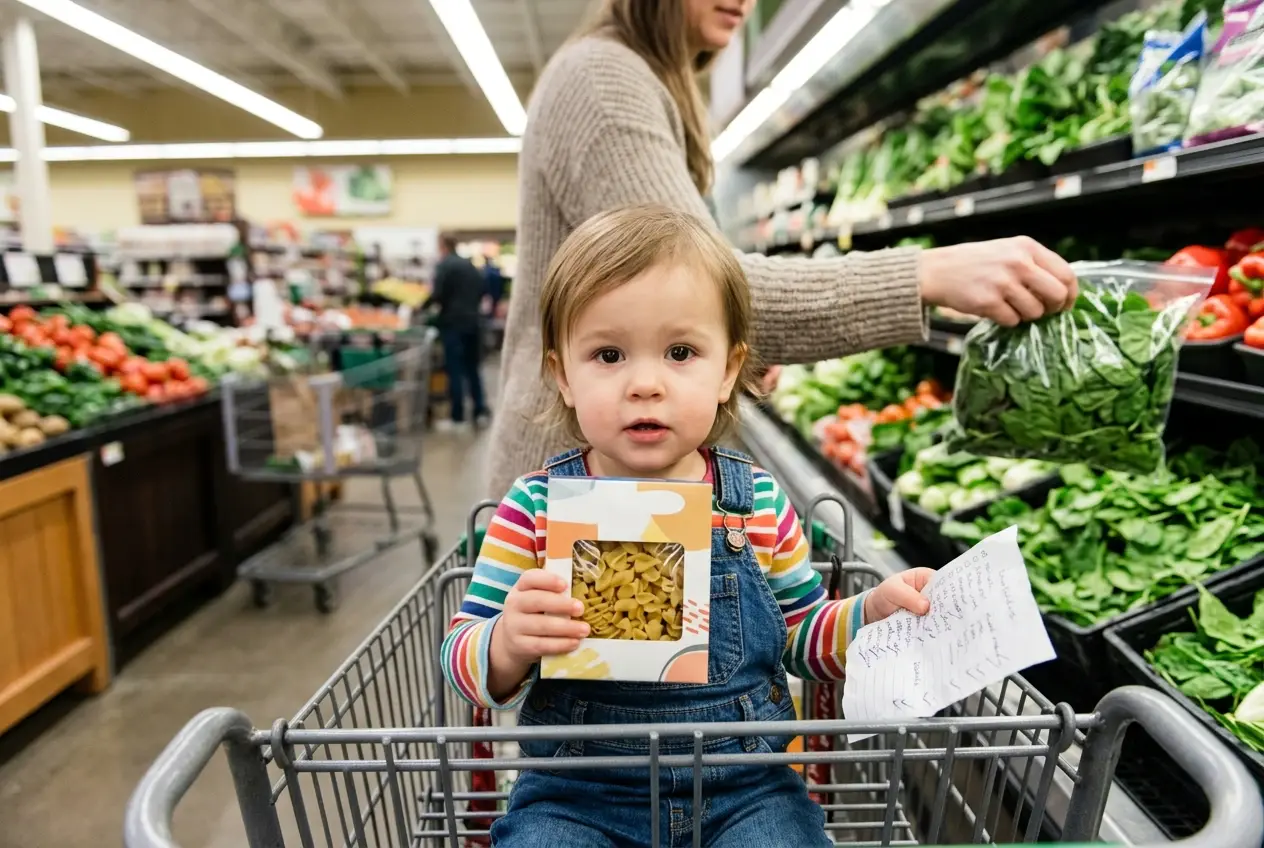
Kids in tow. If you are likely to be interrupted or cut short, put the most important categories first on your own copy by marking them with a star, then walk the route and pick those up as you pass them. Giving a child one item to find or a few boxes to check off keeps them occupied, and the sorted list makes the job easy to hand over because each task sits in one section.
Pickup orders. Online ordering has no aisles to walk, but the sorted list still helps. Build the cart by working down your categories, which keeps you from missing an item and makes substitutions easier to review because similar products sit together. If the store app lets you save a past order, you can reuse it as the base for the staples section.
A second store. If you buy some things elsewhere, such as bulk goods or a particular brand, give that store its own short section at the bottom of the sheet, or mark its items with a symbol like an asterisk. That way the main list stays clean and the second trip has its own list. The same one-walk process applies there if it is a store you visit often.
Set Up a Reusable Printable So the List Builds Itself Each Week
Once your categories are set, put them on a printable template so you are not rewriting headings every week. The template should have:
- Your categories in route order, each with a few blank lines.
- A checkbox beside each line.
- A staples checklist at the bottom or along the side.
- A notes area for the second store and for one-off items.
Print a small stack, keep it where you do your meal plan, and fill one in each week as described above. Then run through the items on the finished sheet as you shop, checking them off. If a category keeps running out of space, add lines. If one never gets used, remove it.
Review the route every few months, or whenever the store changes its layout, and update the order. Because the template is only headings, a change takes a minute.
Try It on Your Next Trip
Download the grocery list printable that comes with your meal planner and sort your next list by your store’s aisle order before this week’s trip. Walk the store once, set your categories, and write this week’s items straight into them. For the full system that feeds this list, see The Complete Meal Planning System For Busy Moms, and use the pantry staples list as the starting point for your staples section.

Hi, I’m Monica, creator of NicaFitness. I’m passionate about helping busy moms stay active and healthy through simple fitness tips, quick workouts, and nutritious meal ideas. My mission is to make healthy living realistic and achievable for busy lifestyles.